
Apartment availability online: the data every unit card should show
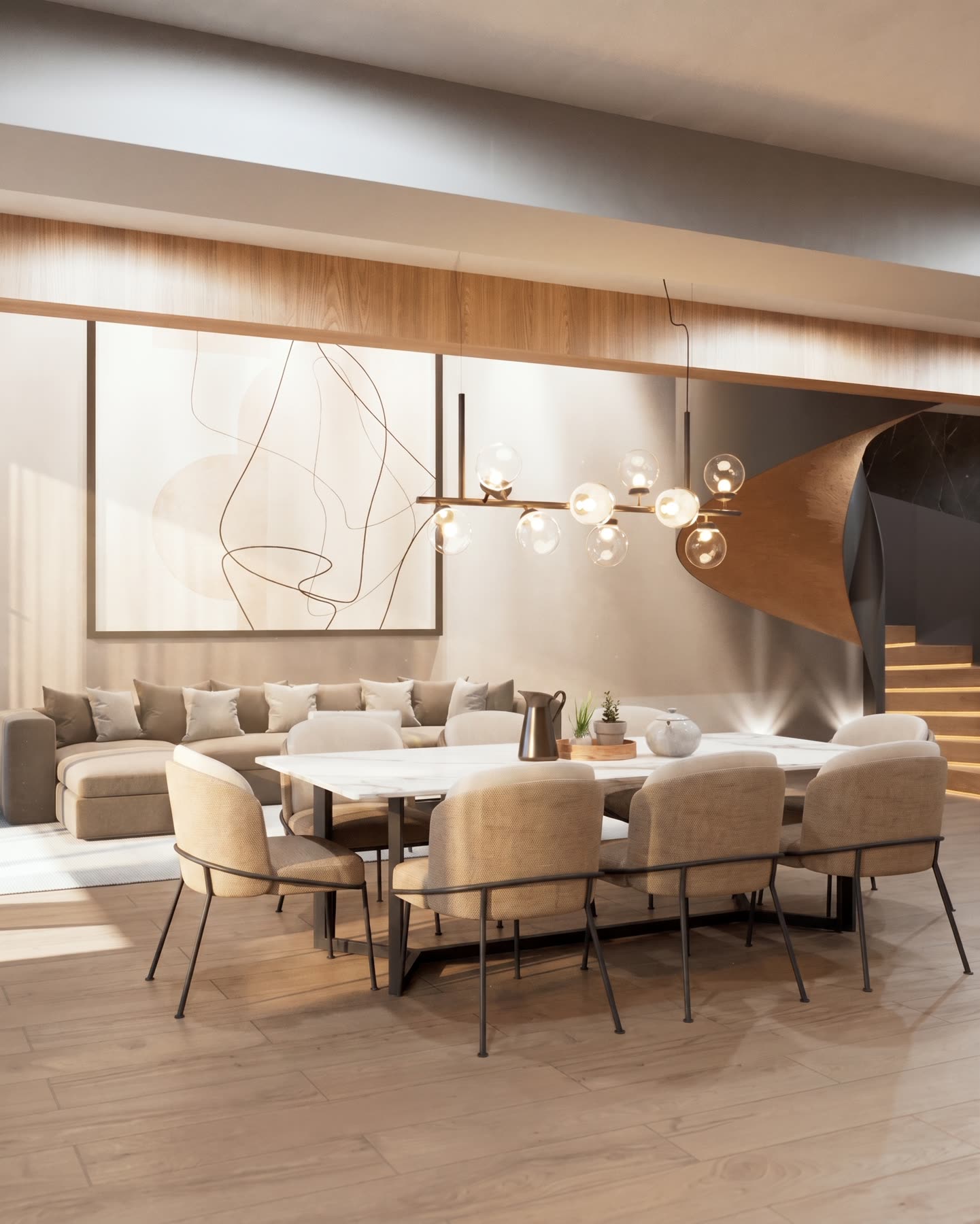
People who search for apartments for sale with virtual tours want two things at once: to see the space and to know whether the unit they liked is still free. To answer them, the project page needs a list of units with their status (available, reserved or sold) and a card per unit with the area, the floor, the view, the parking and a link to its tour.
More and more buyers also put specific questions about a project to Google's AI assistant: whether it has parking, what the prices are, what the exact address is, whether it has photos. The assistant answers with what it finds written on your page. If a fact only lives in a PDF brochure or inside an image, it may miss it or take it from an outdated portal. This guide explains what to publish, who keeps it current and what to leave out if you prefer to give prices in person.
Want to see this on your project? Book a free demo
What buyers ask before they contact you
Before leaving their details, buyers have already put several questions to a search engine or an AI assistant:
- Does it have parking? Say whether each unit includes a space, how many, whether it is covered and whether there is visitor parking.
- What is the exact address? The full address of the project, the neighbourhood and a map. If the sales office is somewhere else, make clear which is which.
- Does it have photos? If the project is off-plan, say so, and show the renders and the virtual tour with text that explains what each one shows.
- What are the prices? A figure, a range per unit type or a clear sentence on how prices are given.
- Which apartments are left? The list of units with their status.
The rule is simple: anything that is missing from the page as written text does not exist for the search engine. We cover this in more detail in the project website and the virtual tour.
The data every unit card needs
One card per apartment, with the same fields for every unit.
| Field | What to write | Common mistake |
|---|---|---|
| Identification | Tower, floor and unit number | An internal code buyers cannot read |
| Type and area | Bedrooms, bathrooms, built area and private area | A single area with no label |
| Floor and view | The height and what it faces: the street, the courtyard, the hills | The same view photo for every floor |
| Parking and storage | Whether they are included, how many and what kind | Leaving it for the appointment |
| Status | Available, reserved or sold | Deleting sold units, so the project looks empty |
| Plan and tour | The sales floor plan and a link to the tour of that unit type | A PDF to download |
The plan on the card should be a furnished sales plan that reads well on a phone, as explained in 2D and 3D sales floor plans.
Who updates availability
Online availability nearly always fails for the same reason: there are two lists. The sales team keeps one in a spreadsheet, another one is published on the website, and nobody is responsible for making them match. The fix is about organisation before technology:
- Choose a single source. This is usually the project sales board, the same one management uses.
- Name one person in charge, with a backup for when they are away.
- Agree on the moment a status changes: when the reservation payment is confirmed, and never when a client simply says they are interested.
- Have the page read from that same source, or have the same person update it at the same moment.
- Show the date of the last update.
What not to publish if you prefer to give prices in person
Many developers prefer to give the price in an appointment, because it depends on the floor, the view and the payment plan, or because they would prefer competitors not to see it. That is a valid choice. What does not work is leaving the question unanswered. Write one direct sentence on the page: the price of each unit is given in an appointment or over WhatsApp, and here is the button to ask for it.
If you take that route, leave out:
- The unit price list as a PDF. It travels over WhatsApp and stays alive after prices change.
- Discounts, bonuses and conditions that apply to one client or one date only.
- The detailed payment plan, which depends on each buyer.
- Names or details of people who have already reserved.
And publish everything else: the address, the parking, the areas, the status of each unit and the tour. For the conversation that follows, see how to sell apartments over WhatsApp.
How to connect availability with the virtual tour
A unit card is far more useful when it takes the buyer to see that unit and not a generic apartment. From each card they should be able to open the tour of that unit type and, if the model allows it, the view from that floor.
At Inviewd we build the project once in Unreal Engine, and from that model come the renders, the video, the 360° tours and the virtual sales room that buyers open on their phone. A unit list with live status can be built for your project next to that tour, fed by your sales board, or inside a 3D building viewer.
Frequently asked questions
How do you show apartments for sale with virtual tours and availability?
With a unit list that shows the status of each one and a card per unit with area, floor, view and parking. From the card, the buyer opens the virtual tour of that unit type.
What does Google's AI answer when someone asks if a project has parking?
It answers with what it finds written on the project page. If the fact only lives in a PDF or an image, it may miss it or take it from another source, so write it as text.
Do you have to publish apartment prices on the page?
No. If you prefer to give them in person, write a sentence that explains how to ask and add a button to do it. What does not work is leaving the question unanswered.
Who should update the availability of a real-estate project online?
One person on the sales team, with a backup, working from the project sales board. The status changes when the reservation payment is confirmed.
Ready to accelerate the sale of your project?
We build your project once in Unreal Engine, and the renders, video, 360° tours and interactive sales room all come from it, ready for any phone.
Request a demo