
The project website: how to use the virtual tour so the client arrives decided
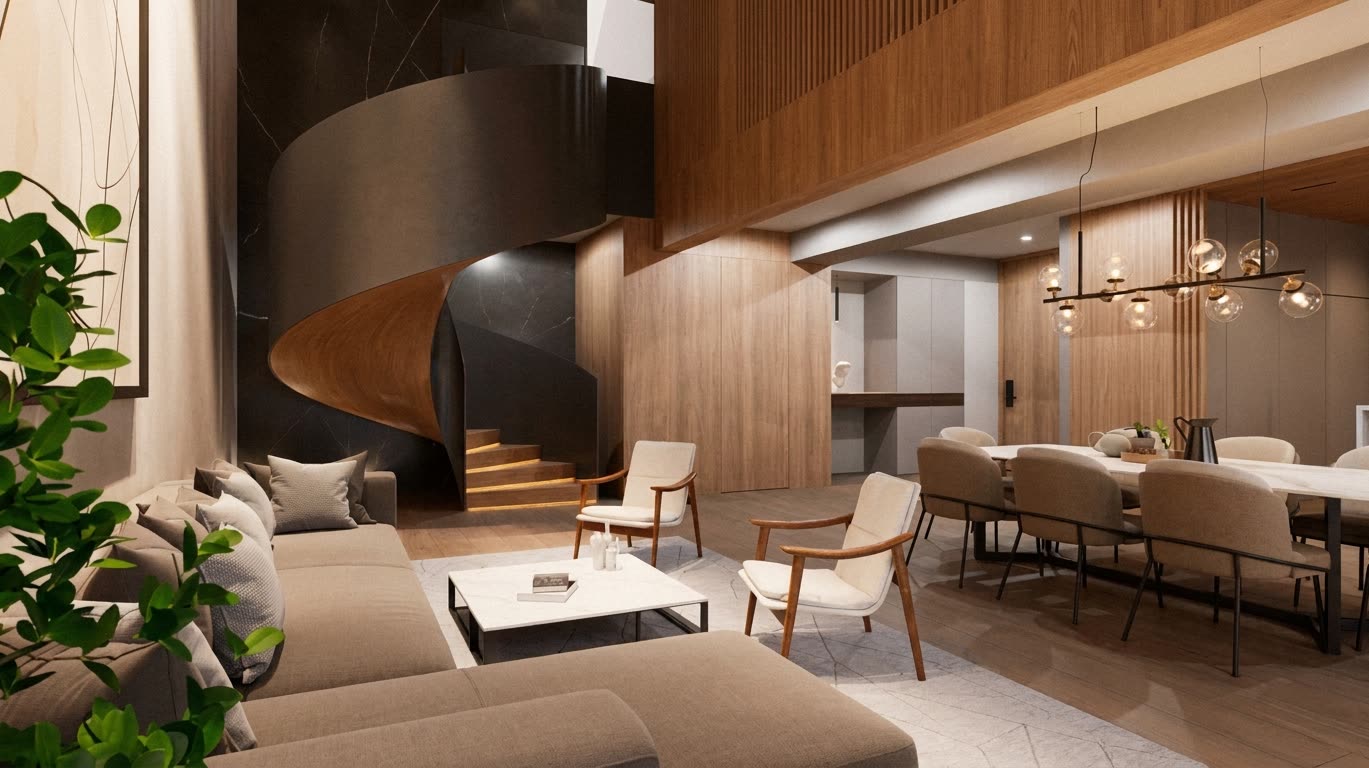
After the ads, the project website is where most people arrive. And almost all of them look alike: a render carousel, a paragraph about lifestyle, a table of layouts and a contact form. The visitor looks at the images, does not fully understand the project, and leaves their details or leaves.
With a well-integrated virtual tour, that same page can do a much more useful job: have the client arrive at the sales room, or the video call, already knowing what they want.
Want to see this on your project? Book a free demo
What the page should have
- A short video at the top showing the project in seconds, taken from the 3D model.
- The virtual tour, with a clear button to enter.
- A section per layout, each with its 360° tour, its render and the view from the available floors.
- The surroundings: location, distances and what is nearby.
- The amenities, as a tour or a video.
- Frequently asked questions about delivery, payment terms and procedures.
- WhatsApp always in view, in addition to the form.
Keep the tour from slowing down the page
An interactive tour of a whole project is heavy. If it loads when the page opens, the page takes time and many visitors leave before seeing anything. The solution is to load it when the visitor asks for it: an image with a "walk through the project" button that opens the tour on click. With pixel streaming, the heavy model runs on a server and reaches the visitor as interactive video, so it works the same on a mid-range phone.
In those tours we use NVIDIA's image upscaling and frame generation technology, which keeps the image sharp and the motion smooth. And because the project is built in Unreal Engine, the website tour is the same one shown in the sales room and on video calls.
The tour as a filter
A form collects details from anyone who passes by. A tour shows who is really interested: someone who spent five minutes exploring the three-bedroom layout and looking at the view from the eighth floor is not just curious. When they arrive at the sales room or message on WhatsApp, they already know what they want to see, and the sales rep can go straight to it. Zillow found that 60% of buyers would buy without visiting if a virtual tour is available, and a study shared by Matterport reported that properties with a 3D tour sold up to 31% faster.
To make the most of it, measure how long visitors spend in the tour and which layouts they open. It is information the sales rep can use in the first conversation.
Text sells too
A page made only of images and tours is invisible to Google, which cannot read what is inside an image. Every section needs real text: what the project is, where it is, which layouts it has, what it includes. That text is what makes the page appear when someone searches for "off-plan apartments in" your city.
To review what the interactive tool should include, read what a virtual sales room should have, and to bring in more qualified traffic, how to bring more qualified visitors to the sales room.
Sources
Zillow Research — 3D tours and virtual tools · Matterport — Properties with 3D tours sell up to 31% faster
Ready to accelerate the sale of your project?
We build your project once in Unreal Engine, and the renders, video, 360° tours and interactive sales room all come from it, ready for any phone.
Request a demo