
Renders for real-estate fairs: images and formats for your stand
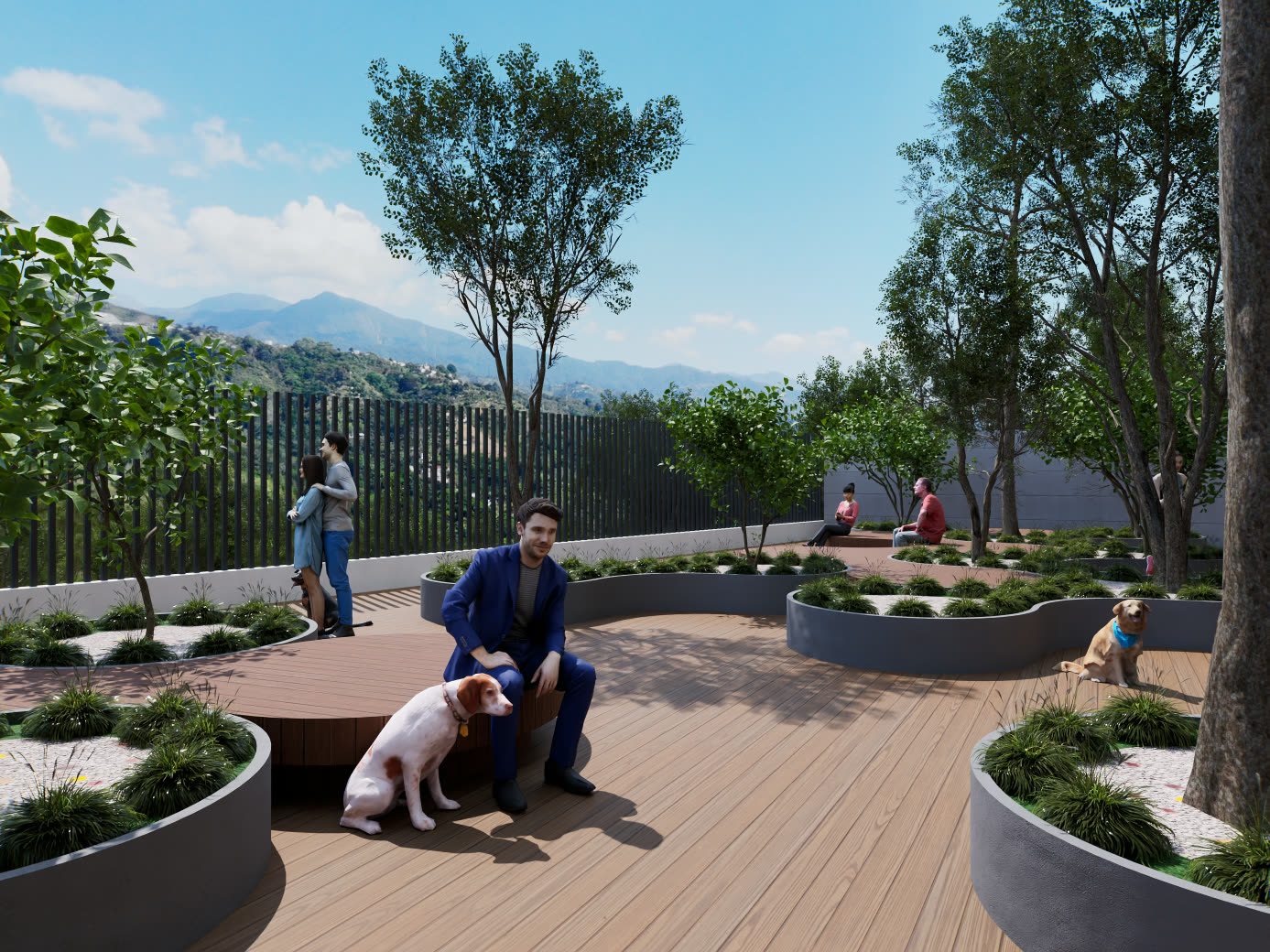
For a real-estate fair you need four kinds of visual material: large-format images for the stand walls, moving content for the screens, a looping video that makes sense without sound, and a version the visitor can take away on their phone. Renders for fairs are the same ones the project already uses, prepared at a different resolution, proportion and framing.
The most frequent mistake is sending the brochure render to print and finding out during set-up that it looks blurry or that the logo ended up behind a piece of furniture. This guide goes through each piece of a real-estate fair stand, what to ask the studio and the printer for, and ends with a checklist. If you are looking for how to lay out the space, read fair stand and travelling sales room.
Want to see this on your project? Book a free demo
Which images to choose for a stand
At a fair the visitor walks past and decides in a moment whether to stop. The stand needs few images, large and easy to read.
- One main image. The facade or the view of the whole development, visible from the aisle. It is the one that identifies the project. See how to order it in facade renders.
- The amenity that sets you apart. The pool, the terrace or the coworking space.
- An interior of your best-selling unit type. The furnished living and dining area, with the balcony.
- The location. A simple map with the roads and places the buyer recognises.
Avoid a mosaic of many small images. From a distance none of them stands out, and up close they compete with each other.
Large-format printing: resolution and proportions
An image printed several metres wide needs many more pixels than the same image on a screen. How many depends on two things: the final size and the distance it will be viewed from. A backdrop seen from across the hall tolerates less detail than a panel the visitor stands right next to. That is why the exact figure is set by the printer, according to the material and the machine.
- Ask the organiser or the stand builder for the exact measurements of each wall, including joins, doors and bleed.
- Ask the printer what file they need: size, resolution, colour profile and format.
- Give that information to the studio before production, so the image comes out of the model in that proportion.
- Keep the logo, the text and anything important away from the edges and above the height of the furniture and the counter.
- Ask for a printed proof of a section to check colour and sharpness.
Enlarging a small file with software does not give it detail it never had. If the image comes from a virtual model (also called a digital twin), it can be reframed and produced at the size the wall requires.
Screens: looping video and interactive model
A screen attracts because it moves. It has two different uses and each one needs its own content.
| Piece | Format | What to ask for |
|---|---|---|
| Printed wall or backdrop | The exact proportion of the panel | A file at final size, as specified by the printer |
| Main screen | Landscape or portrait, depending on the set-up | A looping video, silent, with short captions |
| Touchscreen or tablet | Virtual model or tour | A version that works without internet |
| The visitor's phone | Link with a QR code | A 360° tour or a lightweight project page |
| Flyer or card | Small print | One image, the QR code and contact details |
For the looping video, ask for a short piece that starts and ends on a similar shot, so the cut goes unnoticed. The project name and the city should be on screen at all times, because visitors arrive at any moment. If the screen is mounted in portrait, the video must be produced in portrait, as we explain in 3D video for social media.
The touchscreen is for the conversation with the sales advisor: walking through the apartment, showing the view and comparing unit types. We go into detail in touchscreens in the sales room.
What the visitor takes away on their phone
The printed brochure often stays in the fair bag. A link on the phone is still there when the visitor gets home and wants to show the project to their family.
- A large QR code, at eye level and repeated on the counter.
- A lightweight destination: the 360° tour or the project page, which opens quickly on mobile data.
- A pack of a few images and a floor plan, ready for the advisor to send by WhatsApp when taking the contact.
How to serve and register the people who stop is covered in how to sell at a real-estate fair stand.
Checklist before the fair
- Stand measurements confirmed in writing.
- Printer specifications handed to the studio.
- Main image approved against the current drawings and finishes list.
- Colour proof printed and checked.
- Looping video tested on the real screen, without sound.
- Model or tour tested with no internet connection.
- QR code tested with several phones on mobile data.
- Lightweight images loaded on each advisor's phone.
The same material works later at other locations, as we describe in travelling sales room.
At Inviewd we build the project once in Unreal Engine, and from that model come the renders at the resolution each channel requires, the video in landscape and portrait, the 360° tours and the interactive sales room that also works on a phone. See our architectural rendering service.
Frequently asked questions
Which renders does a developer need for a property fair?
A main facade or overall image for the stand wall, one amenity, one interior of the main unit type, a looping video for the screen and a tour for the phone.
What resolution should a render have for large-format printing?
It depends on the final size and the viewing distance. The printer defines the file they need, and the studio should produce the image at that size and proportion.
What should go on the screen of a real-estate fair stand?
A short looping video that makes sense without sound, with the project name always visible, and an interactive model or tour for the conversation with the advisor.
Can the brochure renders be used for the stand?
The same views can, but rarely the same file. The stand wall needs a different proportion and far more resolution, so it is better to produce the image again from the model.
Ready to accelerate the sale of your project?
We build your project once in Unreal Engine, and the renders, video, 360° tours and interactive sales room all come from it, ready for any phone.
Request a demo